Access and pricing
Icon generation uses 3 Printooly credits. Optional AI source-image generation uses 2 credits. Sign in and review the confirmation before generating.
 Printooly
A closer look at your next idea
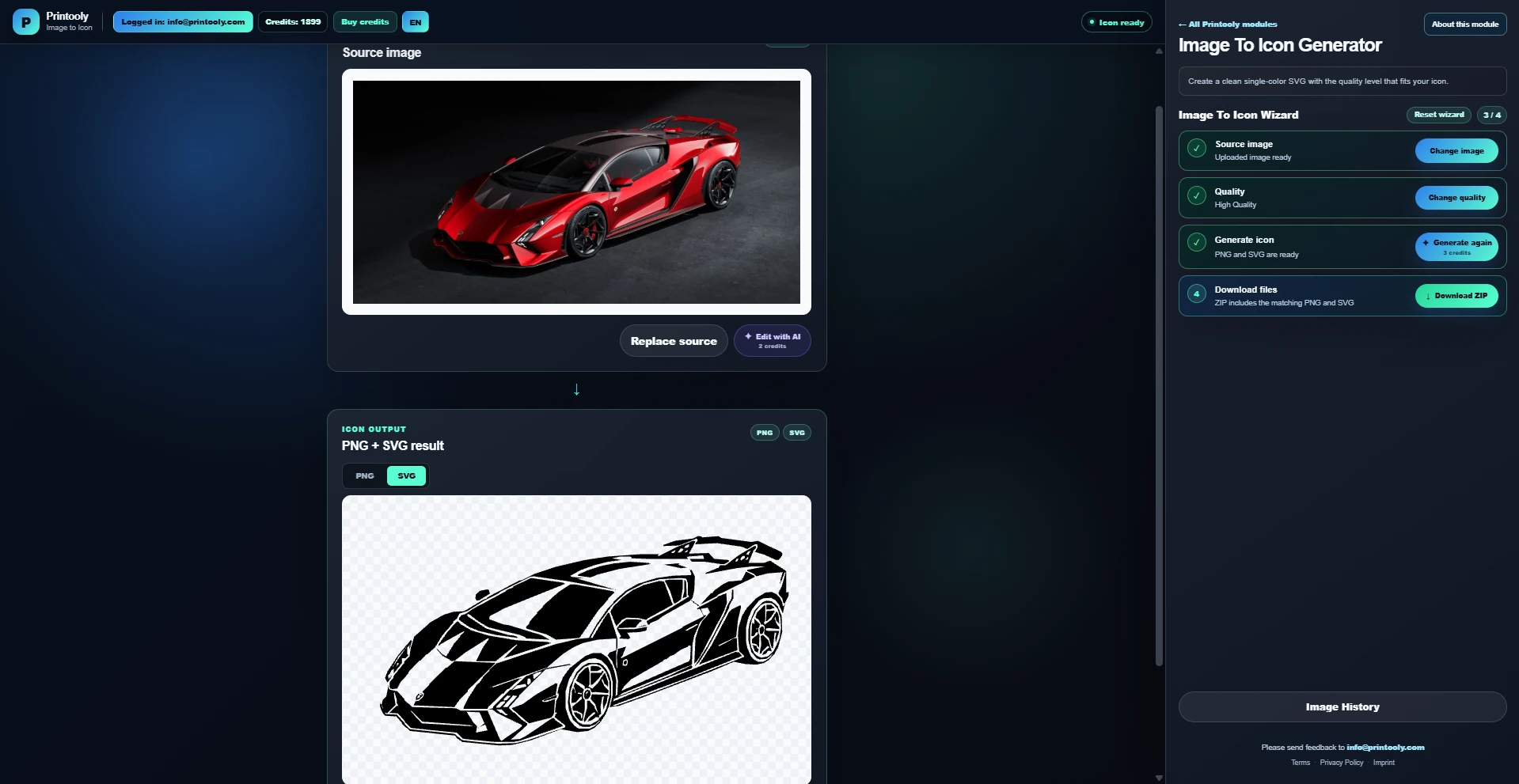
Turn an uploaded or AI-created image into a clean single-color SVG icon with a matching PNG preview.
On phones and tablets, you can explore the tools and read their guides. Uploading, editing, generating and exporting require a desktop or laptop.
PNG, JPG or WebP images, up to 20 MB, or an AI source-image prompt.
A single-color SVG icon and a PNG preview.
Your starting point
From your first idea to your next step.
Upload an image or generate a source image.
Choose the perspective and detail level, then generate the icon.
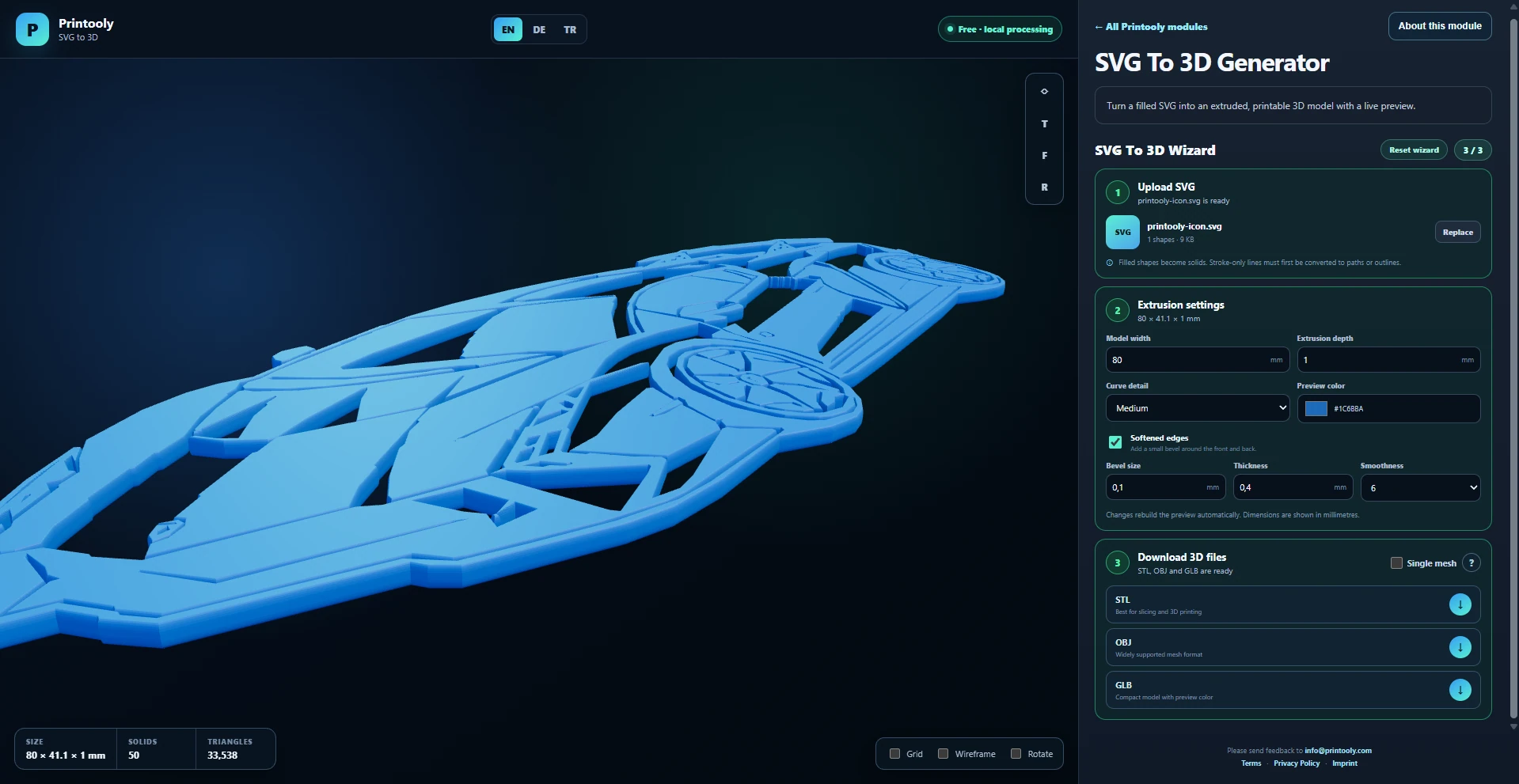
Download the SVG and PNG; use SVG to 3D to create an extrusion.
Icon generation uses 3 Printooly credits. Optional AI source-image generation uses 2 credits. Sign in and review the confirmation before generating.
The output is a simplified single-color interpretation. Review fine details and closed shapes before using it as a 3D extrusion.
MORE TO EXPLORE
READY WHEN YOU ARE
Save this link and open the tool on a desktop or laptop when you’re ready to create.