Assembly guide
The PDF shows one 3D view per layer and marks the previous layer in gray. Puzzle guides include a numbered view from above.
Turn a 3D model into a set of building bricks or a layered 3D puzzle. Preview the pieces and get STL files with an assembly guide.
On phones and tablets, you can explore the tools and read their guides. Uploading, editing, generating and exporting require a desktop or laptop.
A 3D model in GLB, STL, OBJ, PLY, or 3MF format.
Individual STL parts, a 3D assembly preview, and a PDF assembly guide.
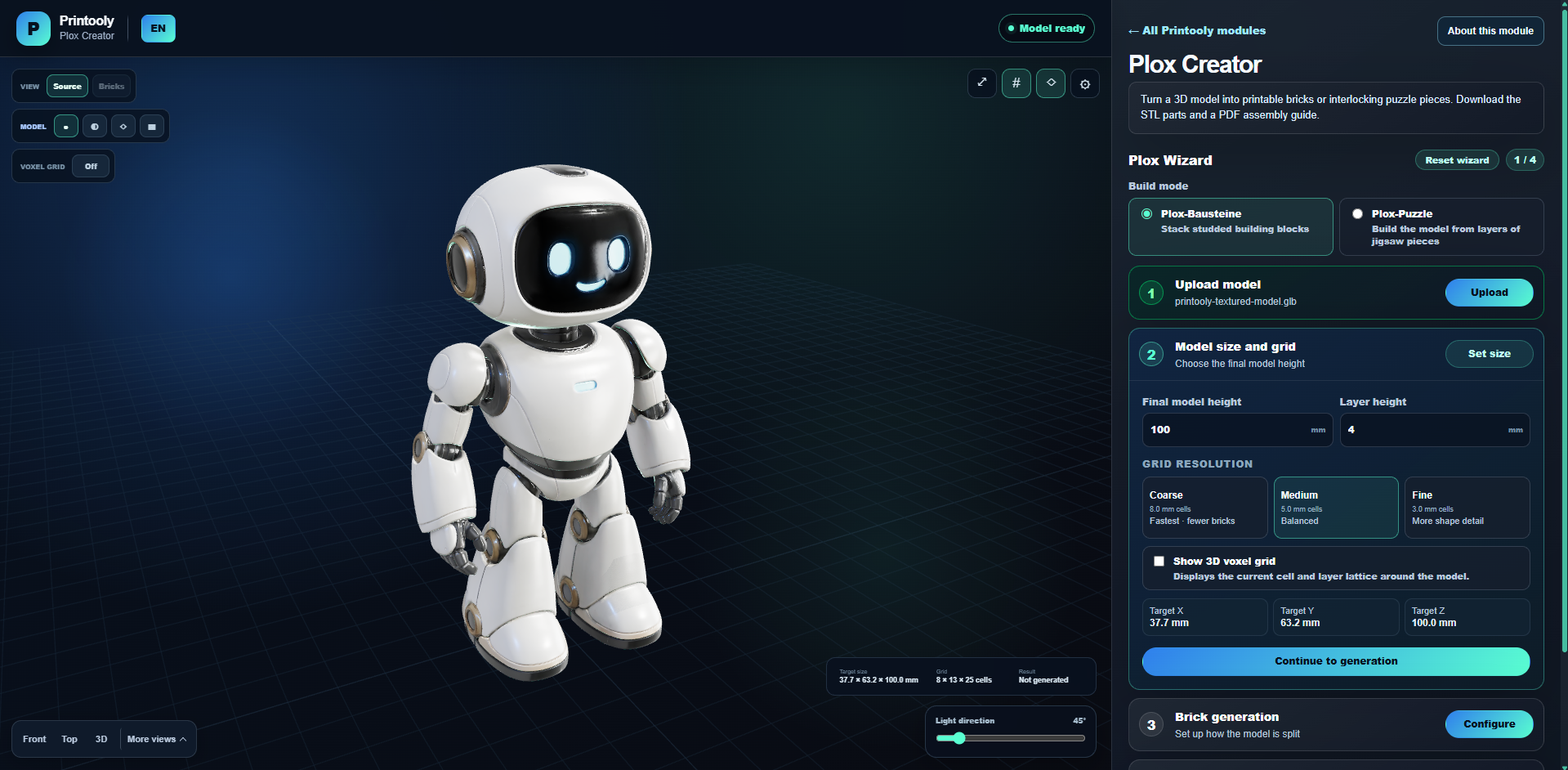
Upload a model. Check its orientation and set the finished height.
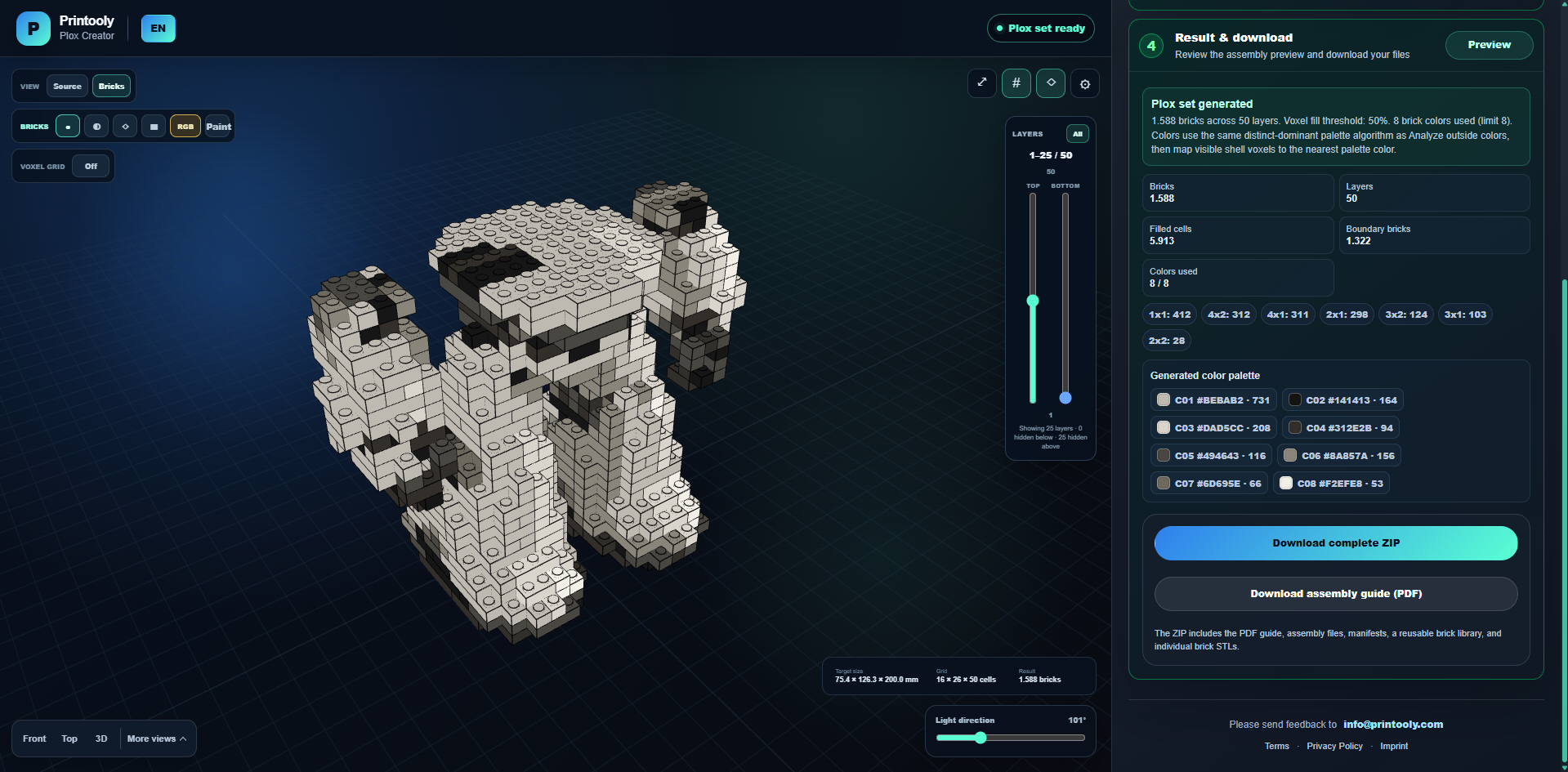
For a brick set, choose the grid size and the brick sizes you want to use. Preview the studded bricks layer by layer.
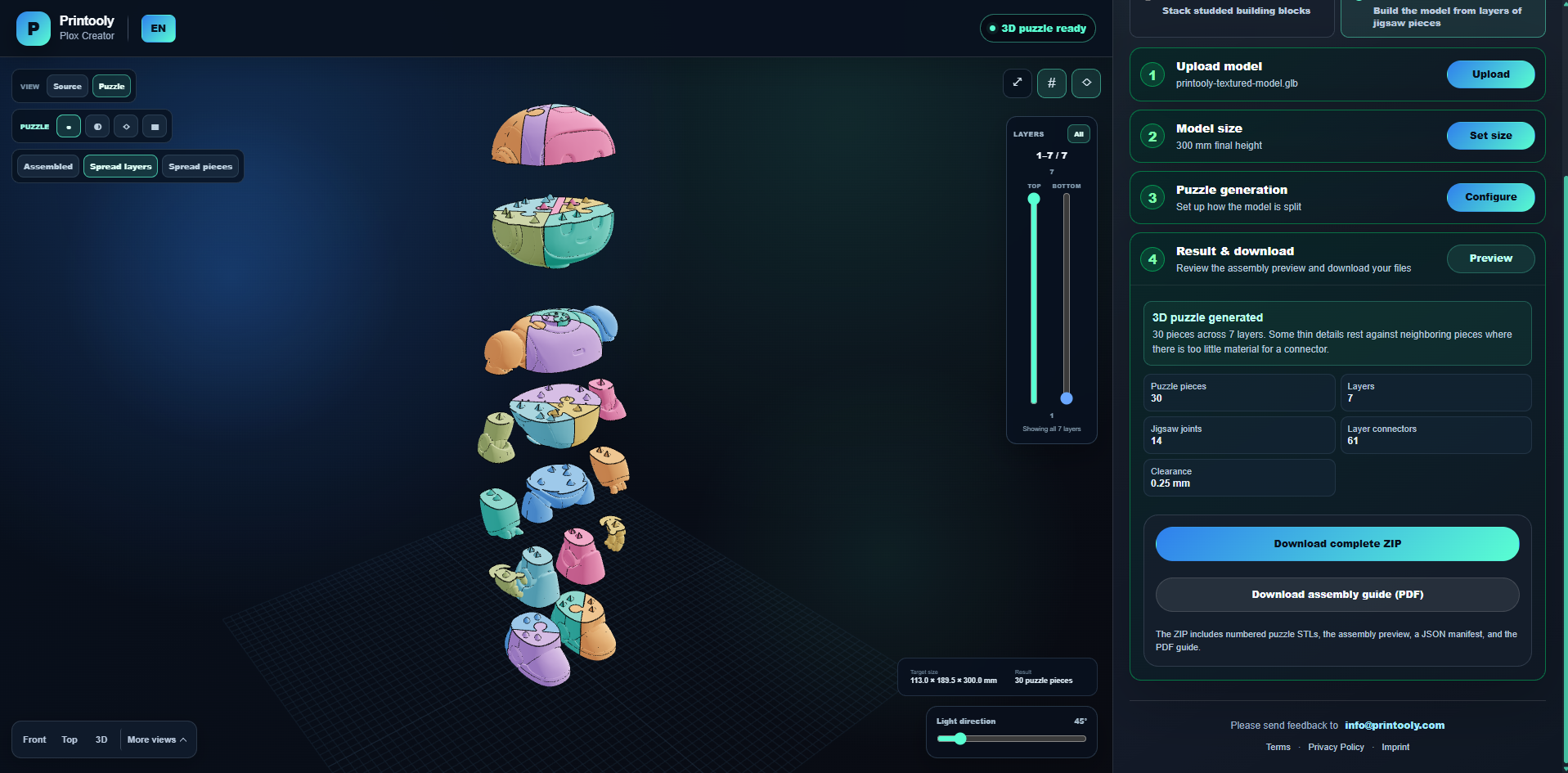
For a puzzle, set a target piece count. Inspect the proposed layer cuts before generating the interlocking pieces.
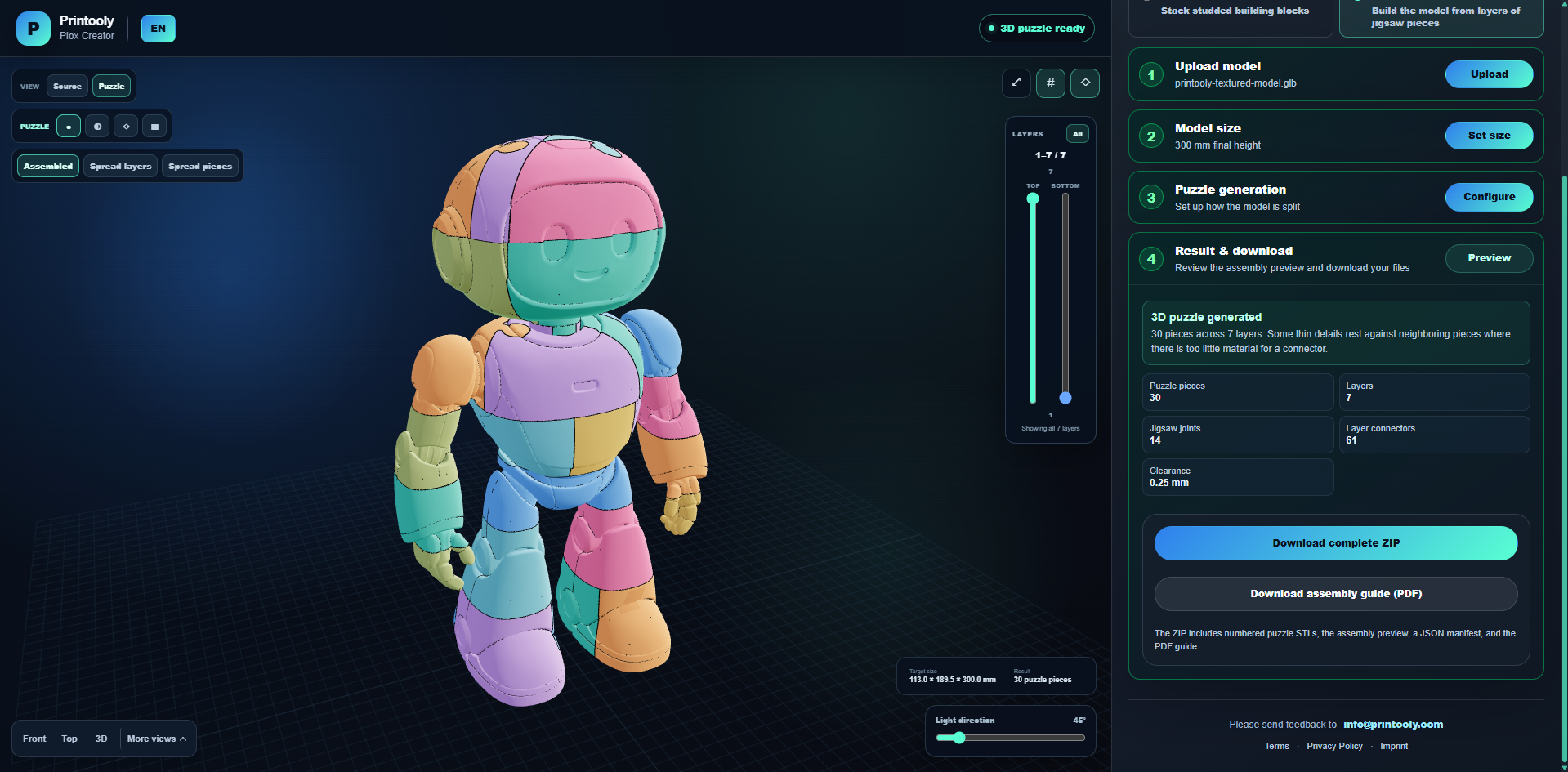
Inspect the result in 3D. Download the STL parts and the PDF guide for the mode you chose.
The PDF shows one 3D view per layer and marks the previous layer in gray. Puzzle guides include a numbered view from above.
Use the layer controls to see where the pieces meet. In puzzle mode, separate the layers or individual pieces for a closer look.
MORE TO EXPLORE
READY WHEN YOU ARE
Save this link and open the tool on a desktop or laptop when you’re ready to create.