Access and pricing
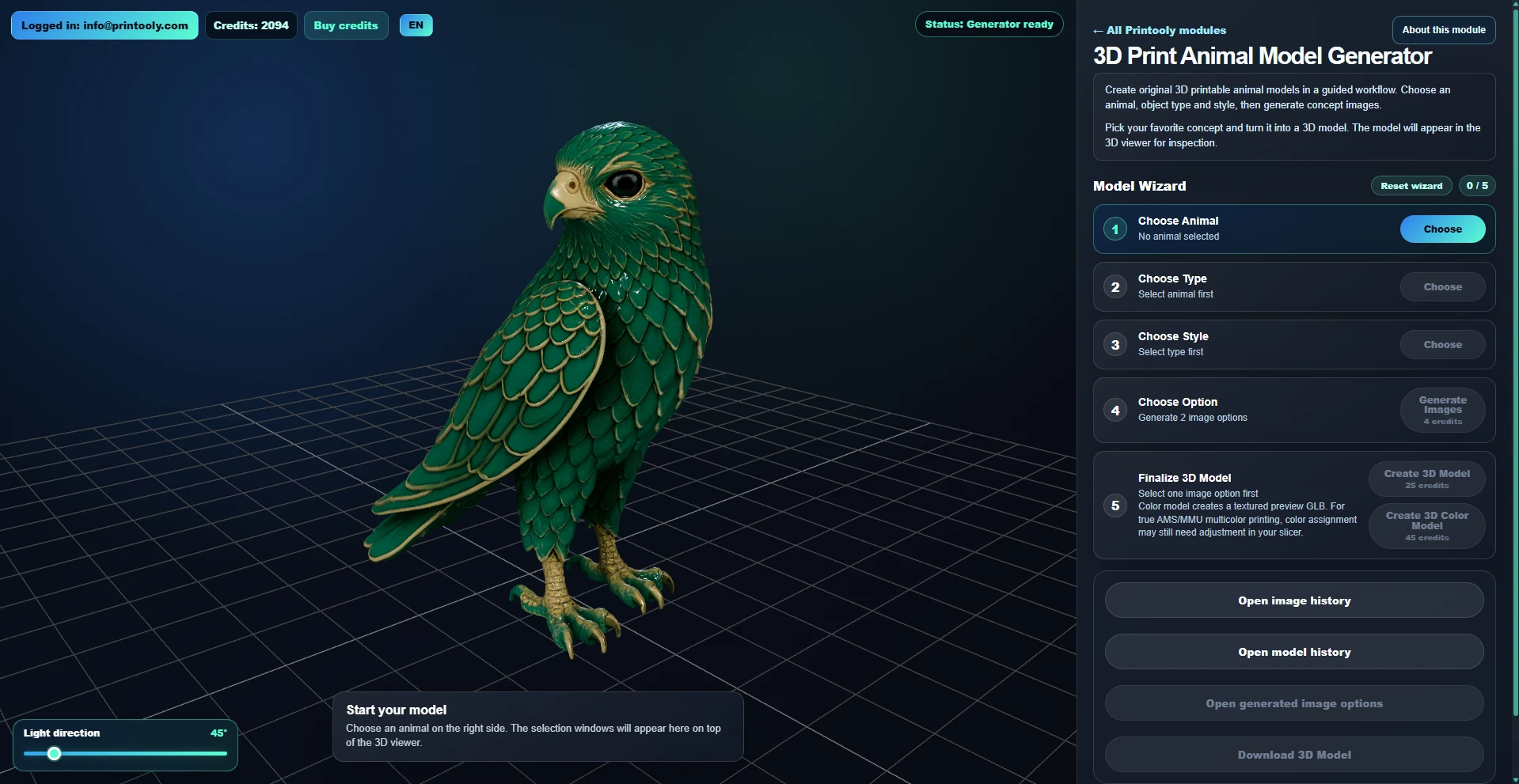
AI image and 3D generation use Printooly credits. Sign in on a computer; the cost is shown before each paid action.
 Printooly
AI Animal Model Generator
Upload a photo of your own pet, or choose an animal from the collection. Pick an object type and style, explore AI concepts and turn your favourite into a downloadable 3D model.
On phones and tablets, you can explore the tools and read their guides. Uploading, editing, generating and exporting require a desktop or laptop.
A clear photo of your pet under 10 MB, or an animal from the collection. Add your choice of object type and style.
Downloadable STL geometry and a GLB model for the available generation mode, packaged with the generated result.
Your starting point
From your first idea to your next step.
Upload your pet photo or choose an animal. A clear photo with the animal fully visible gives the AI more useful detail.
Choose the object type and style, generate concept images and select the result you like.
Generate the 3D model, inspect it from every side and download it for a check in your slicer.
AI image and 3D generation use Printooly credits. Sign in on a computer; the cost is shown before each paid action.
This is an AI interpretation of your pet, not a precise scan. Likeness and details hidden in the photo can vary. Check geometry, thin details, supports and size in your slicer. Mesh cleanup may be needed. A textured GLB does not automatically assign filament colors.
About this module
Yes. Choose “Upload your pet photo” in the animal selection. Use a clear image under 10 MB, ideally showing the whole animal with little background clutter.
Yes. Choose an animal from the collection, then choose the object type and style before generating concept images.
The photo guides the animal’s appearance, but the result is generated by AI. Check the face, proportions, markings and unseen sides before choosing your final model.
MORE TO EXPLORE
READY WHEN YOU ARE
Save this link and open the tool on a desktop or laptop when you’re ready to create.