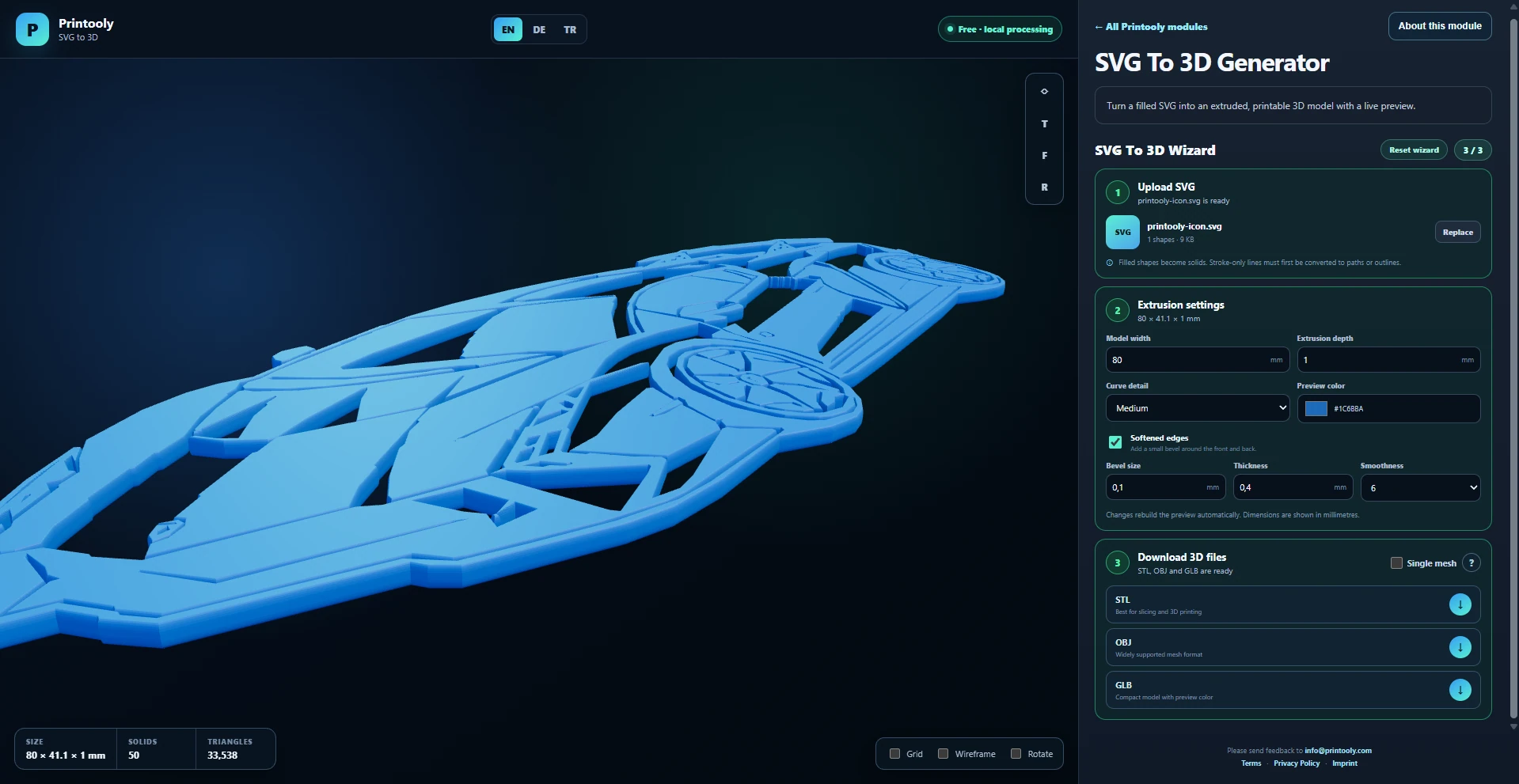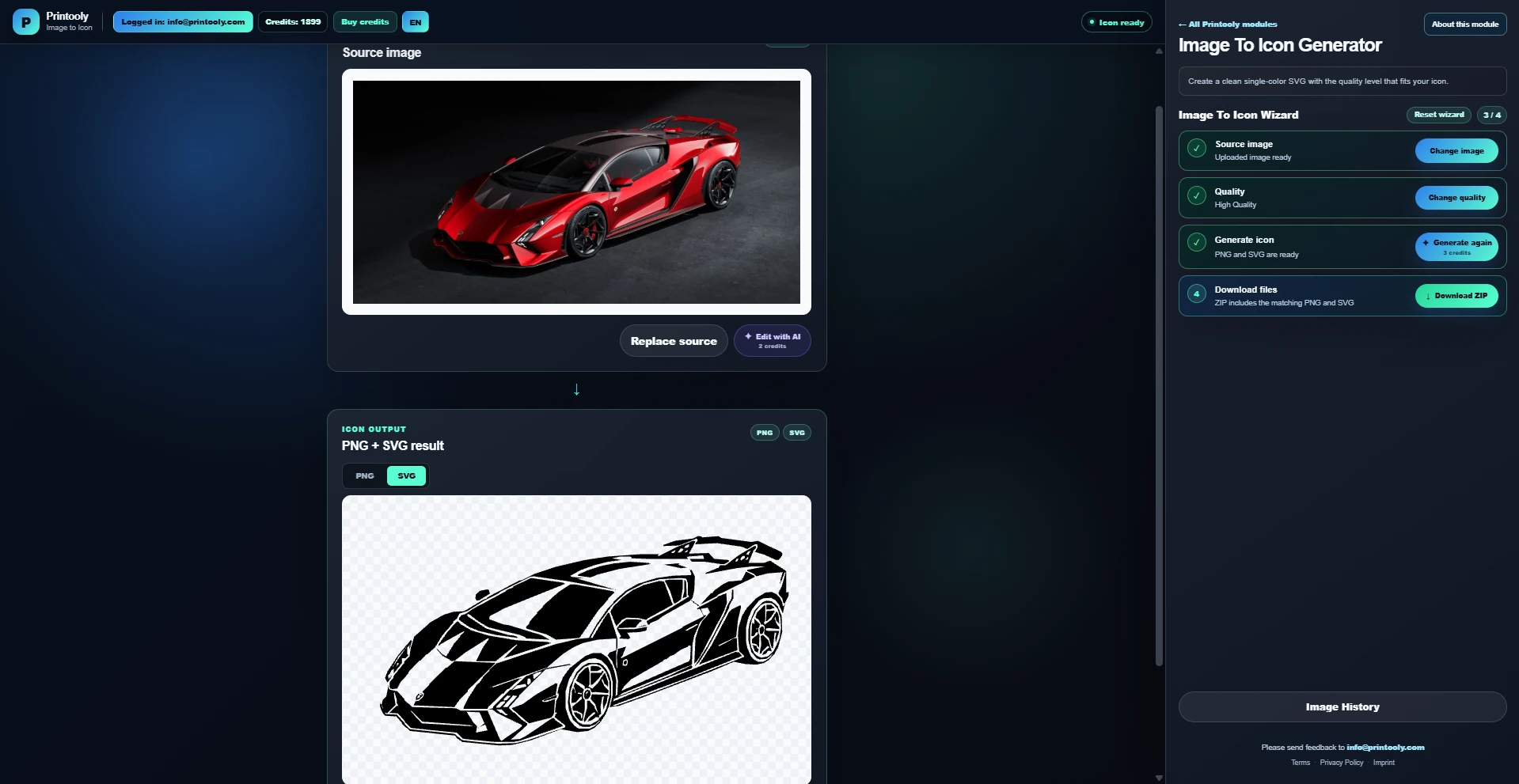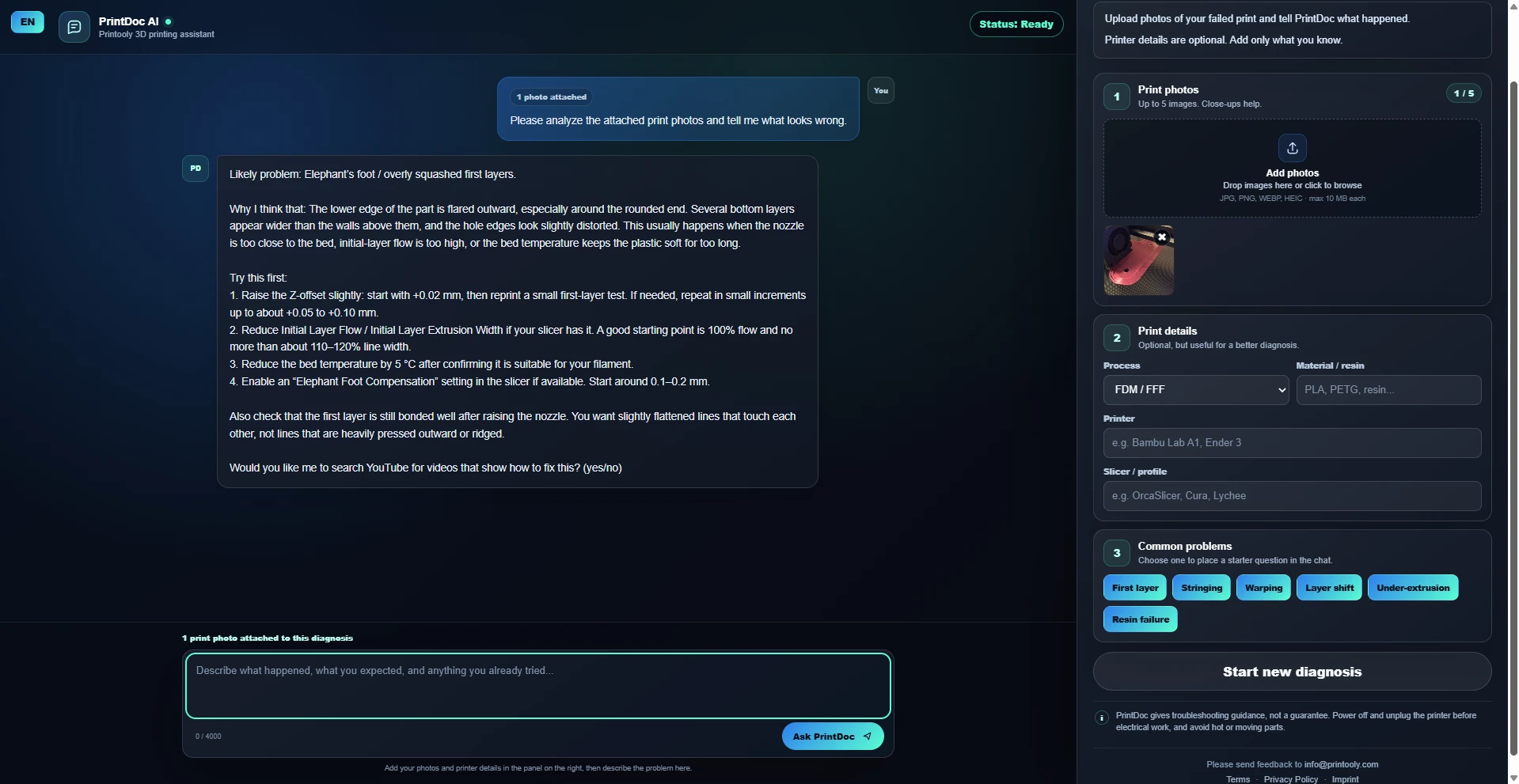
Examples and projects
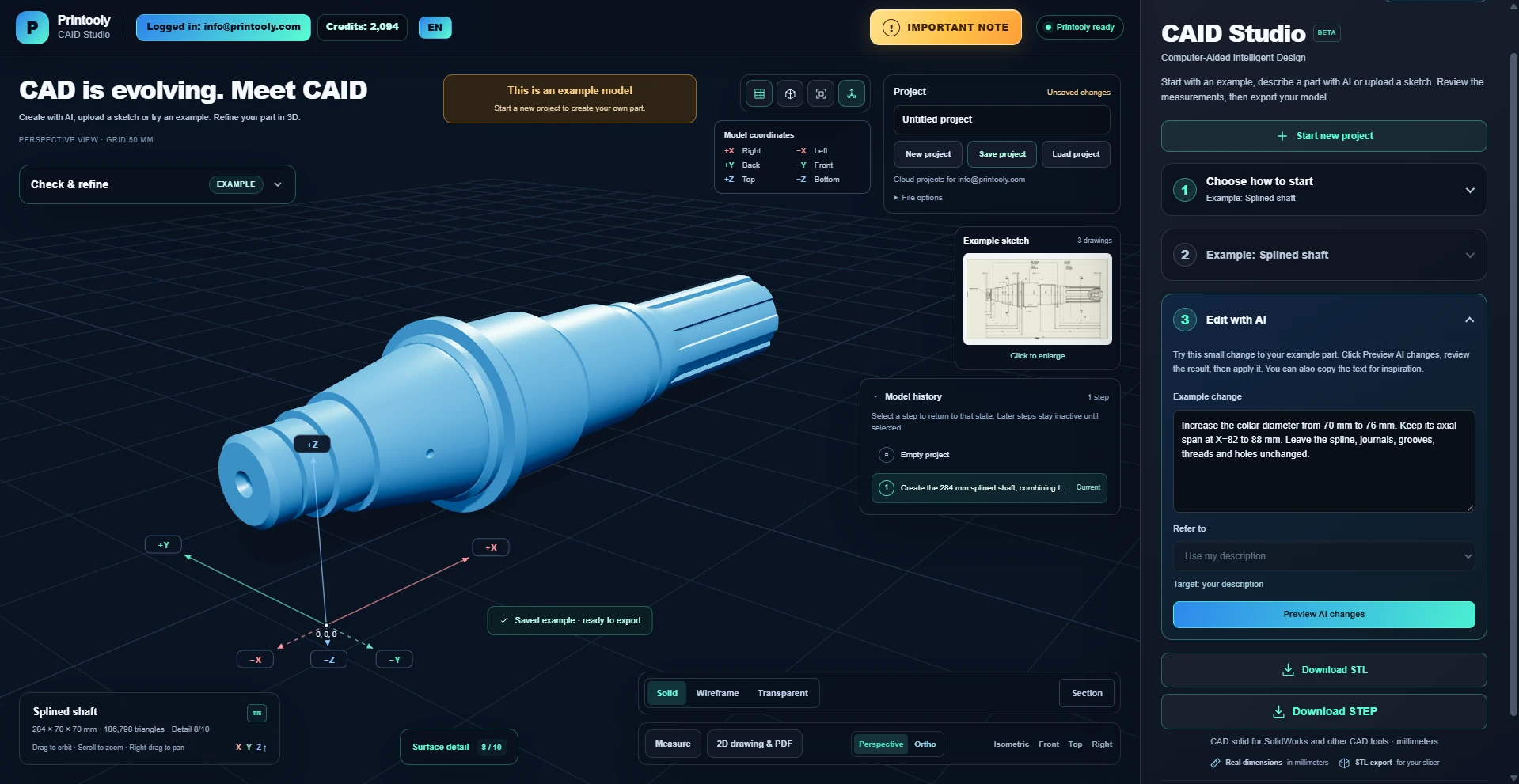
Saved examples include a ready-made model and one guided change, so you can explore the workflow without generating them again. Sign in with your Printooly account to save projects and open them again later.
 Printooly
A closer look at your next idea
Describe a functional part or upload a dimensioned sketch. Review its geometry and measurements, refine the model, and export it for 3D printing.
On phones and tablets, you can explore the tools and read their guides. Uploading, editing, generating and exporting require a desktop or laptop.
A text description with dimensions, or dimensioned sketches in PNG, JPG or WebP format. You can also start with a saved example.
An editable 3D model, an STL file for your slicer, and a 2D drawing as a PDF.
Your starting point
From your first idea to your next step.
Choose a text or sketch example, describe your own part, or upload a drawing.
Review the interpreted dimensions and features, then build the model. Refine it with AI instructions or the model controls.
Inspect the 3D preview and measurements, then download the STL or a 2D drawing PDF.
Saved examples include a ready-made model and one guided change, so you can explore the workflow without generating them again. Sign in with your Printooly account to save projects and open them again later.
CAID Studio is in beta. Check every dimension, feature and fit before printing or using a part. AI can misinterpret a drawing or description.
MORE TO EXPLORE
READY WHEN YOU ARE
Save this link and open the tool on a desktop or laptop when you’re ready to create.