Access and pricing
Free, with no sign-up and no watermark.
 Printooly
A closer look at your next idea
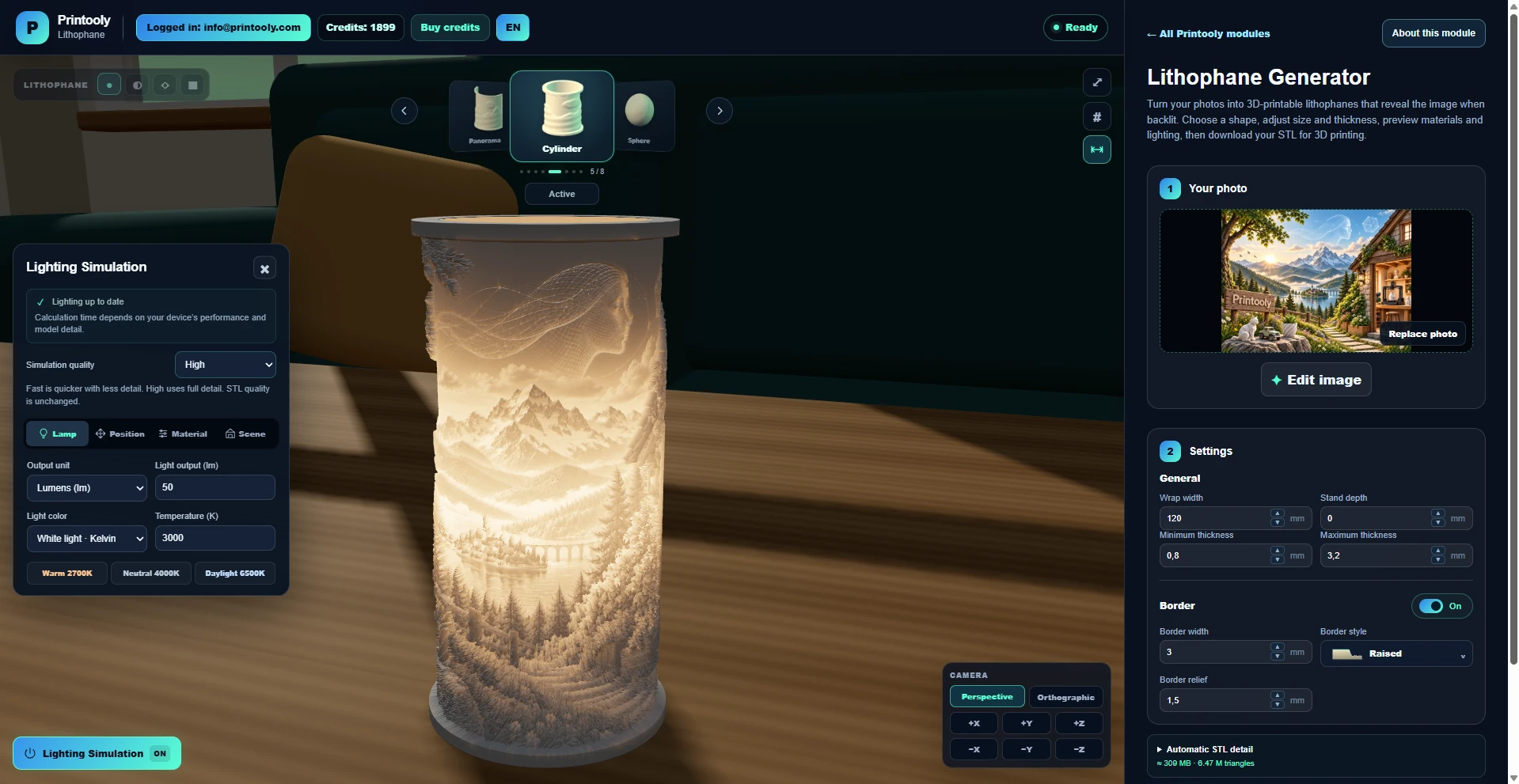
Turn a photo into a 3D printable lithophane STL. Adjust its dimensions, thickness, contrast, border and shape with a live preview.
On phones and tablets, you can explore the tools and read their guides. Uploading, editing, generating and exporting require a desktop or laptop.
JPG, PNG or WebP photos.
A lithophane STL for your slicer.
Your starting point
From your first idea to your next step.
Upload a photo and choose a lithophane shape.
Adjust size, image contrast, thickness and border.
Inspect the preview and download the STL for slicing.
Free, with no sign-up and no watermark.
The image appears through differences in plastic thickness. Material, backlighting, print orientation and slicer settings affect the finished result.
MORE TO EXPLORE
READY WHEN YOU ARE
Save this link and open the tool on a desktop or laptop when you’re ready to create.