Access and pricing
AI image and 3D generation use Printooly credits. Sign in on a computer; the credit cost is shown before each paid action.
 Printooly
A closer look at your next idea
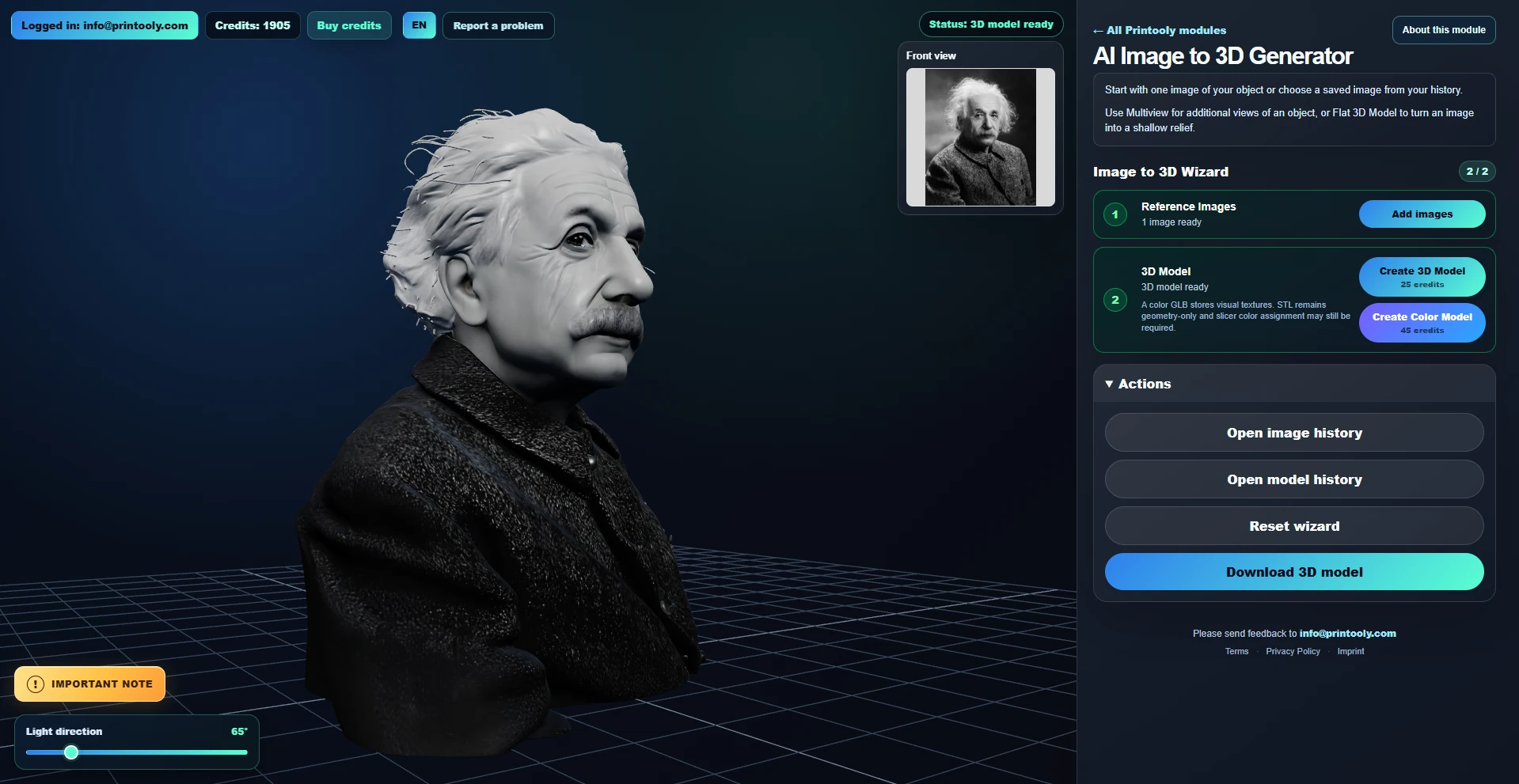
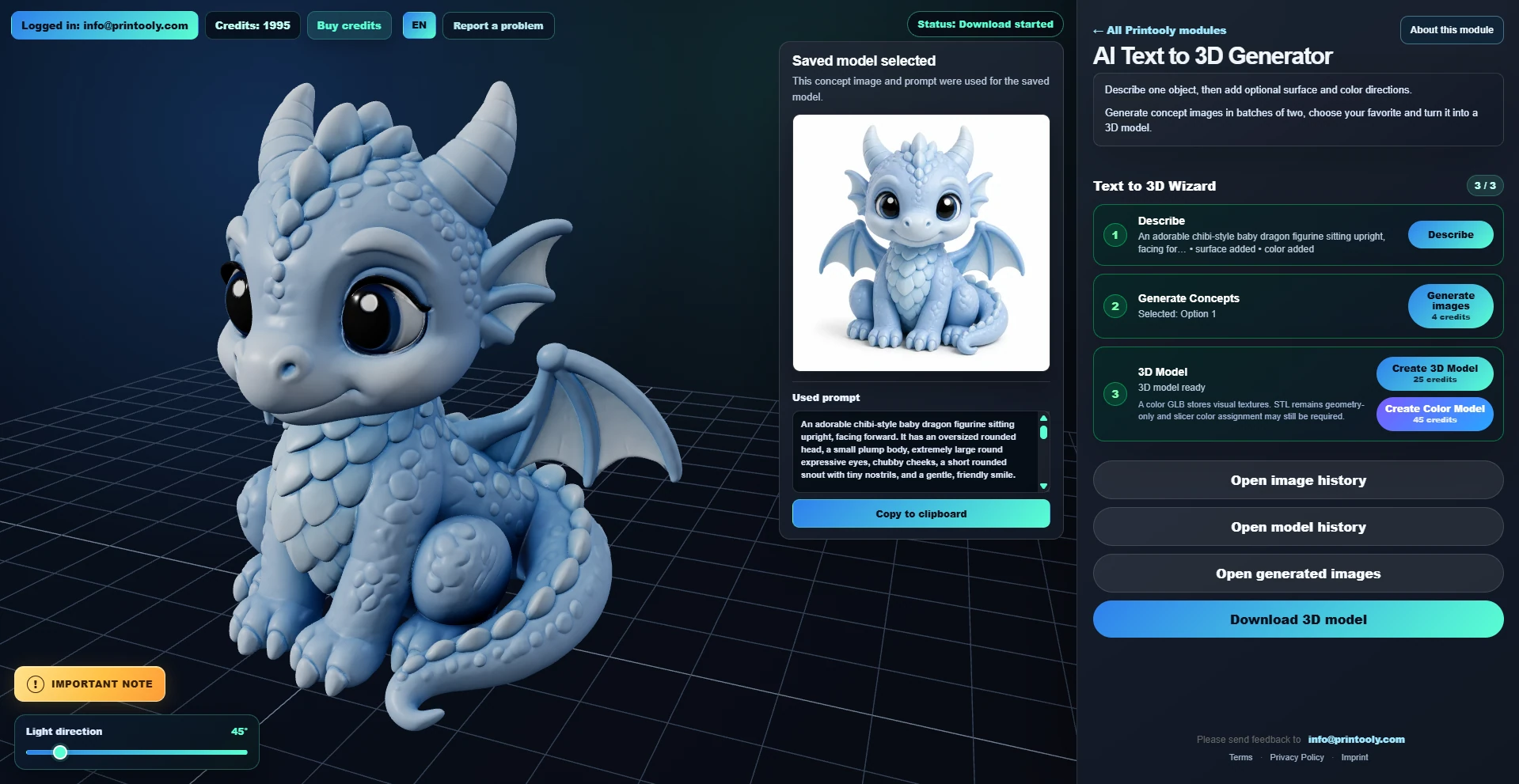
Turn an object description into AI concept images and a downloadable 3D model. Refine the shape, surface and color before choosing a concept.
On phones and tablets, you can explore the tools and read their guides. Uploading, editing, generating and exporting require a desktop or laptop.
A written object description with optional surface and color directions.
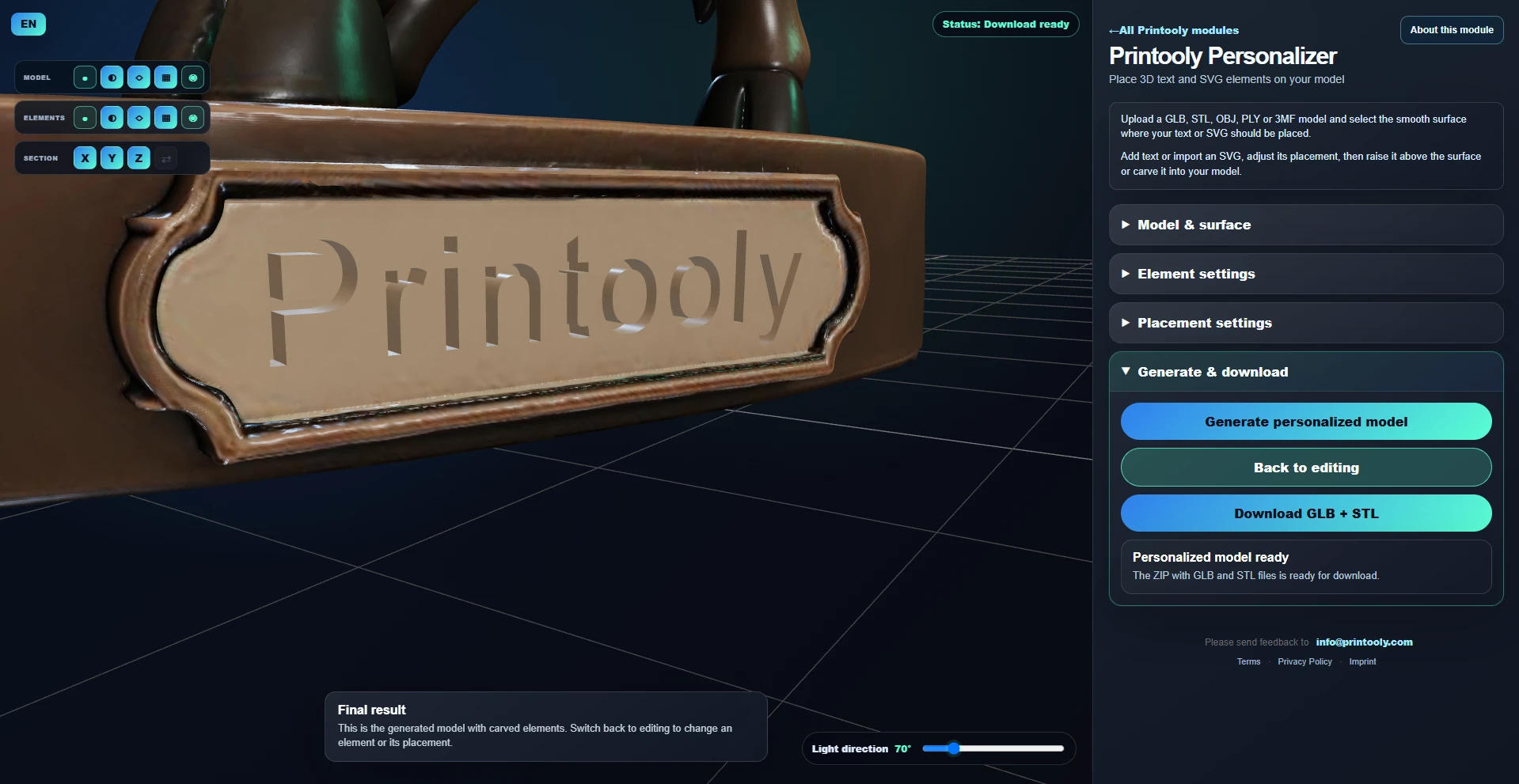
Downloadable STL geometry and a GLB model for the available generation mode, packaged with the generated result.
Your starting point
From your first idea to your next step.
Describe one object, including its shape and important features.
Generate concept images and select the best starting point.
Create the 3D model, download it and review it in your slicer.
AI image and 3D generation use Printooly credits. Sign in on a computer; the credit cost is shown before each paid action.
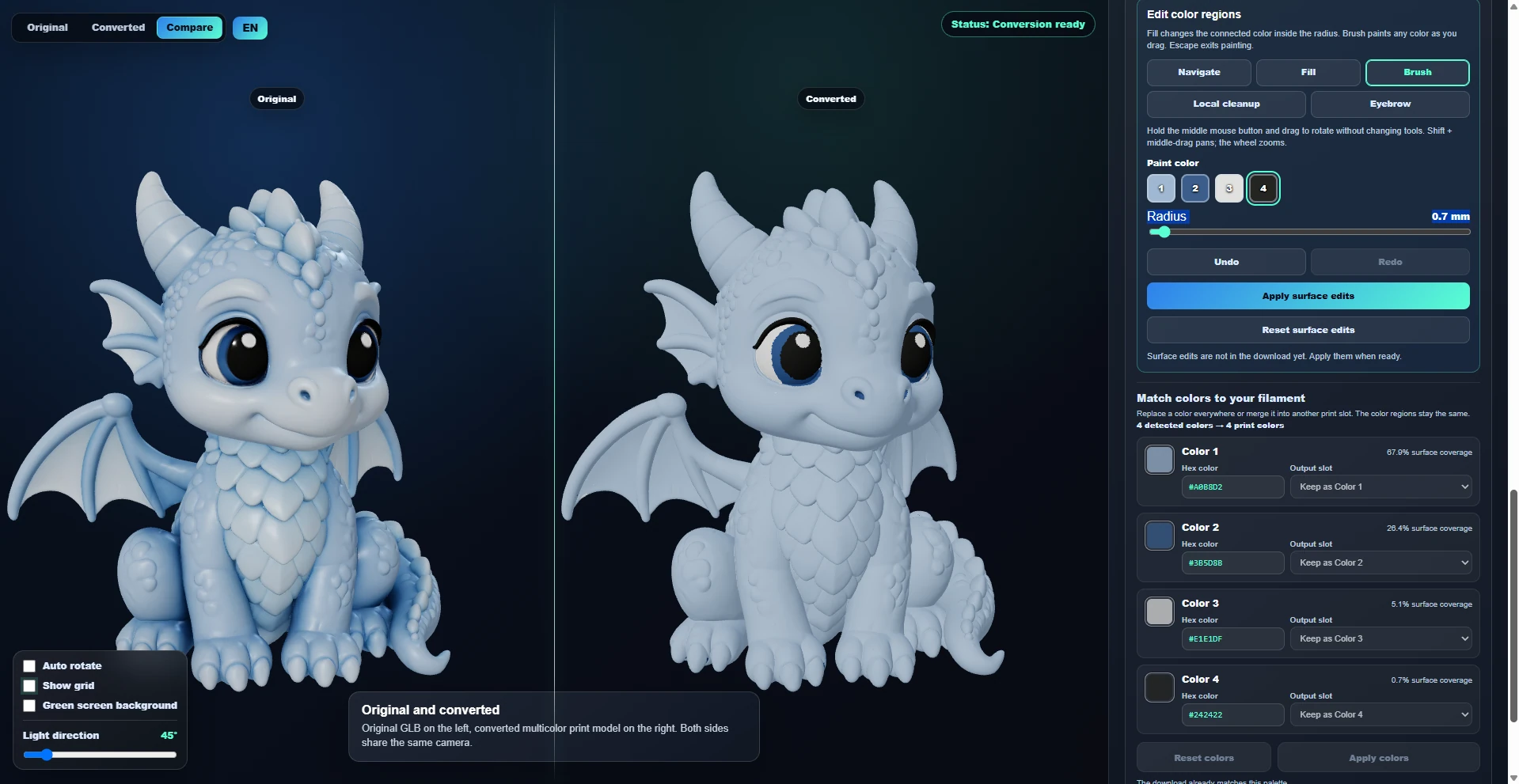
AI output can need mesh cleanup, supports or changes in your slicer. Inspect geometry and thin details before printing. A textured GLB does not automatically assign your printer’s filament colors.
MORE TO EXPLORE
READY WHEN YOU ARE
Save this link and open the tool on a desktop or laptop when you’re ready to create.