Access and pricing
QR plates are free. Optional holder packs use 30 Printooly credits and require an account.
 Printooly
A closer look at your next idea
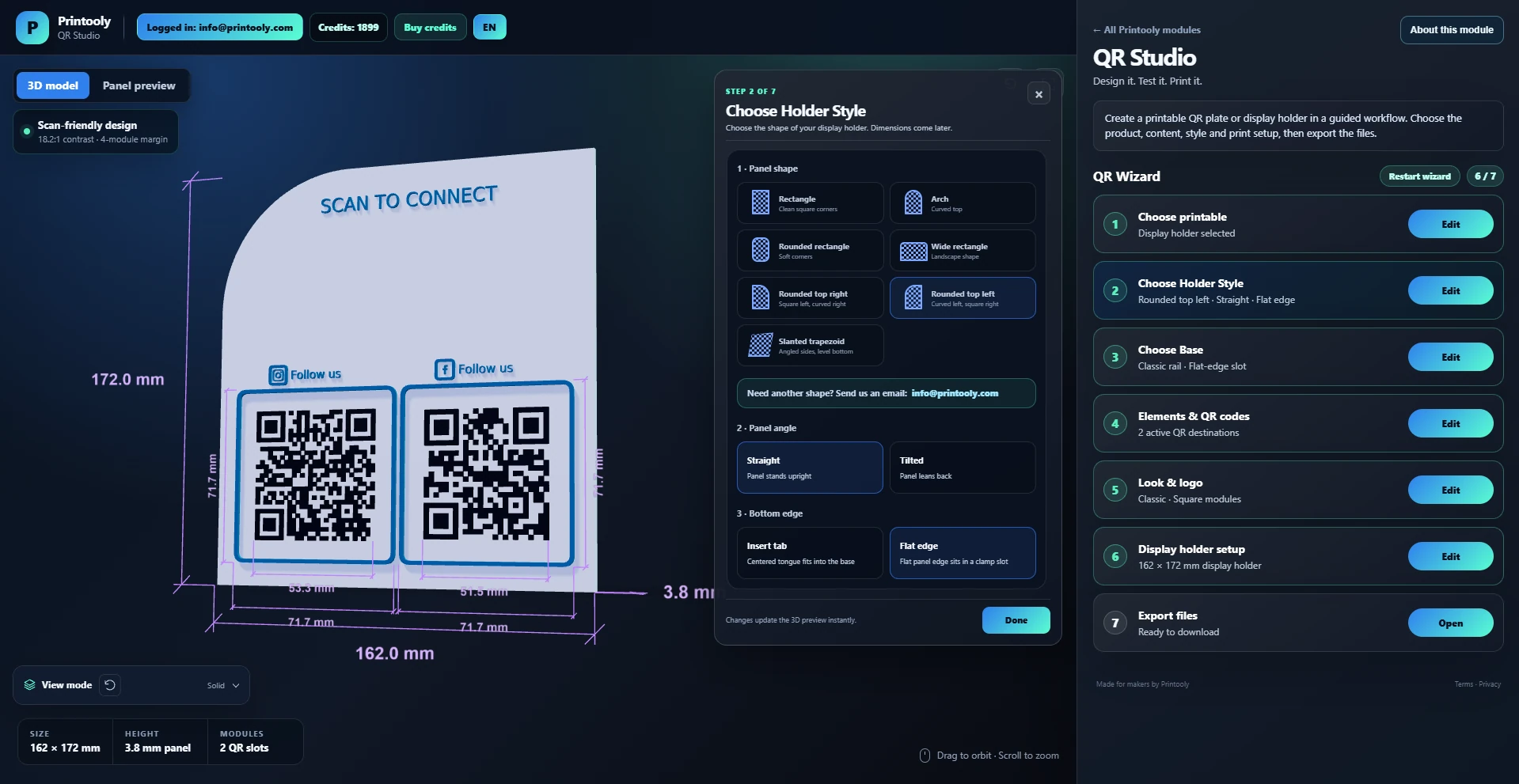
Create 3D printable QR plates and display holders with custom logos, labels and dimensions. Download STL, color GLB and holder 3MF files.
On phones and tablets, you can explore the tools and read their guides. Uploading, editing, generating and exporting require a desktop or laptop.
QR content such as a URL or text, optional logo images and custom fonts.
Free QR plates in STL and color GLB, including a pack with separate color-layer STLs. Holder packs contain six files: the complete panel and base, each in STL, color GLB and color 3MF.
Your starting point
From your first idea to your next step.
Enter the destination or text and design the QR code.
Set plate dimensions, relief, labels and optional logo.
Check that the code scans, then download the print pack.
QR plates are free. Optional holder packs use 30 Printooly credits and require an account.
Keep strong foreground/background contrast and a clear quiet zone. Test the QR code on screen and again after printing, especially when adding a logo.
MORE TO EXPLORE
READY WHEN YOU ARE
Save this link and open the tool on a desktop or laptop when you’re ready to create.